

Most small businesses do not need more software. They need fewer hours lost to repetitive work. That is the honest promise behind the best AI tools for small business 2026 has to offer: not magic, but a few well-chosen tools that take real tasks off your plate — drafting, designing, answering customers, and moving data between apps.
The numbers show owners are moving fast. Salesforce’s Small and Medium Business Trends Report found that 71% of small businesses plan to increase their AI investment through 2026. A Goldman Sachs survey from early 2026 found that 76% of small businesses already use AI in some form — yet only 14% say it is fully built into how they operate. The gap between trying AI and actually getting value from it is where most owners get stuck.
This guide closes that gap. Every tool below was picked because it solves a specific job, has a usable free tier or a fair price, and works without a technical team to set it up.
How We Picked the Best AI Tools for Small Business 2026
We judged each tool on four questions:
- Does it replace real work? A tool earns its place by saving hours, not by looking impressive in a demo.
- Can a small team start free? Every pick here has a free tier or a trial that lets you test it on real work before paying.
- Does it work without setup help? If a tool needs a consultant to configure it, it is not a small business tool.
- Is the pricing honest? We list the starting paid price as published in late 2026 and flag where costs creep up.
One more thing before the list: most small businesses need three or four tools, not twelve. Start with the job that eats the most of your week, fix that first, and only then add the next one.
Here are the best AI tools for small business 2026, grouped by the job each one does best.
1. ChatGPT — Best All-Round AI Assistant
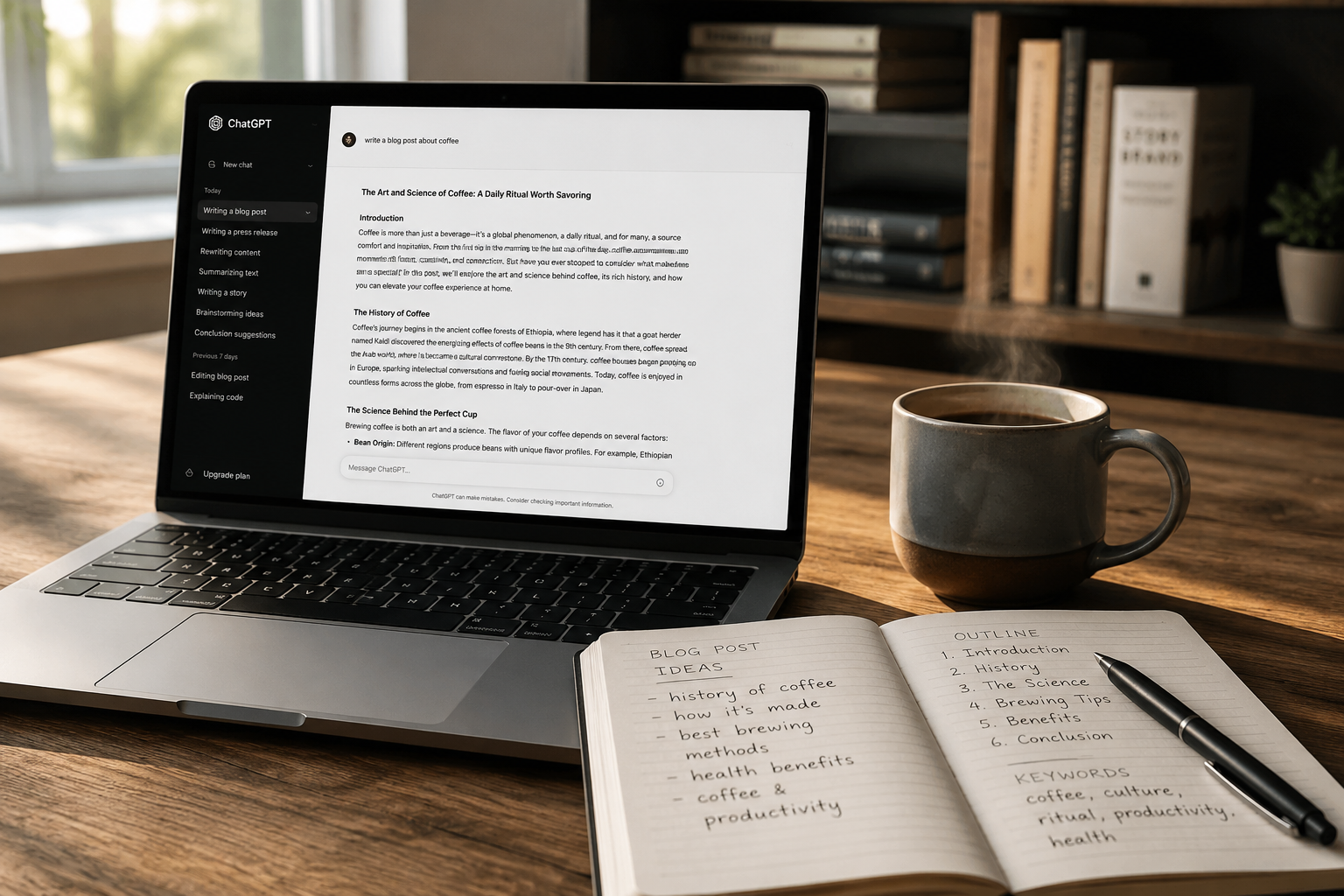
ChatGPT is the default starting point for a reason. It drafts emails, outlines proposals, summarizes long threads, brainstorms product names, and turns rough notes into a first draft in minutes. For a solo owner, it is the closest thing to a part-time assistant at a flat monthly price.
What it does well: Versatility. One subscription covers writing, research, simple data analysis, and image generation. The free tier is generous enough to test properly.
Honest limitation: It can write confidently about things that are wrong. Every fact, price, and quote it produces needs checking before it goes to a customer. It also has no memory of your business unless you give it context each time.
Pricing: Free tier available; Plus from $20 per month, with a cheaper Go tier at around $8 per month.
If you write blog content, pair it with a proper workflow — our guide on how to use ChatGPT for blog writing walks through a process that keeps the human voice in charge.
2. Claude — Best for Long-Form Writing That Reads Human
Claude is the writer’s favourite among general AI assistants. Its long-form drafts read more naturally than most rivals, and it follows detailed instructions — tone, structure, audience — more reliably. If your business publishes articles, guides, or long emails, Claude is worth testing against ChatGPT on the same brief.
What it does well: Natural prose, long documents, and careful editing. Its Projects feature lets you keep style notes and background files in one place.
Honest limitation: It is a writing and thinking tool, not a Swiss army knife. It does less outside of text than ChatGPT, and its free tier has tighter usage limits.
Pricing: Free tier available; Pro from $20 per month (around $17 per month billed annually).
3. Canva — Best for Design Without a Designer
Most small business marketing is visual — social posts, flyers, price lists, presentations — and most of it is made by someone who is not a designer. Canva’s AI features (Magic Studio) handle background removal, resizing for different platforms, and quick text-to-image drafts, all inside templates that already look professional.
What it does well: Speed. A social post that took an hour in a design tool takes ten minutes here, and the brand kit keeps your colours and fonts consistent.
Honest limitation: Templates can start to look familiar. If every post uses the same three layouts, customers notice. Treat Canva as a starting point and change the layout, not just the words.
Pricing: Free tier available; Pro from around $12 to $15 per month.
4. Grammarly — Best for Editing and Tone
Grammarly is an editor, not a writer. It catches grammar mistakes, tightens wordy sentences, and — more usefully — flags tone. That last part matters when you are replying to an unhappy customer or writing a price increase email. It works across your browser, email, and documents, so it polishes everything you write, not just one app.
What it does well: Consistent, professional writing across every channel, with tone detection that genuinely helps in sensitive messages.
Honest limitation: It can flatten your voice if you accept every suggestion. Keep the corrections, ignore the rewrites that make you sound like everyone else.
Pricing: Free tier available; Pro from around $12 per month billed annually.
5. Zapier — Best for Connecting Your Apps
Zapier is the least glamorous tool on this list and often the highest return. It moves data between your apps automatically: a new form submission becomes a CRM contact, a new sale triggers an invoice, a support ticket creates a task. Each automation is small. Together, they remove the half-hour-a-day copy-paste jobs that quietly eat a working week.
What it does well: It connects thousands of apps, and most automations take under fifteen minutes to build. The free tier covers 100 tasks a month, enough to automate your single most annoying handoff.
Honest limitation: Costs scale with volume. A workflow that runs hundreds of times a month can outgrow the cheap plan quickly, so check your task count before committing.
Pricing: Free tier available; Professional from $19.99 per month billed annually.

6. Otter.ai — Best for Meeting Notes and Summaries
If you spend your week on calls, Otter.ai earns its keep fast. It joins meetings, transcribes them, and produces a summary with action items. The practical win is not the transcript — it is never having to write “as discussed on the call” from memory again.
What it does well: Accurate transcription, searchable meeting history, and summaries you can send to clients the same day.
Honest limitation: Transcription struggles with heavy accents, overlapping speakers, and poor audio. Always skim the summary before forwarding it.
Pricing: Free tier available (around 300 minutes a month); Pro from around $8 to $17 per month. Fireflies.ai is a solid alternative with a similar free tier.
7. Tidio — Best for Customer Chat and Support
Tidio adds live chat and an AI agent to your website that answers common questions from your own FAQ — opening hours, delivery times, pricing — without you being online. For a small shop, that means fewer missed enquiries overnight and at weekends.
What it does well: It is one of the few support tools with a genuinely useful free tier, and its AI agent answers from your content rather than inventing answers.
Honest limitation: AI chat can frustrate customers with unusual problems. Set it to hand over to a human quickly, and keep the handover visible — hiding the human option is the fastest way to lose a sale.
Pricing: Free tier available (around 50 conversations a month); Starter from around $24 to $29 per month.
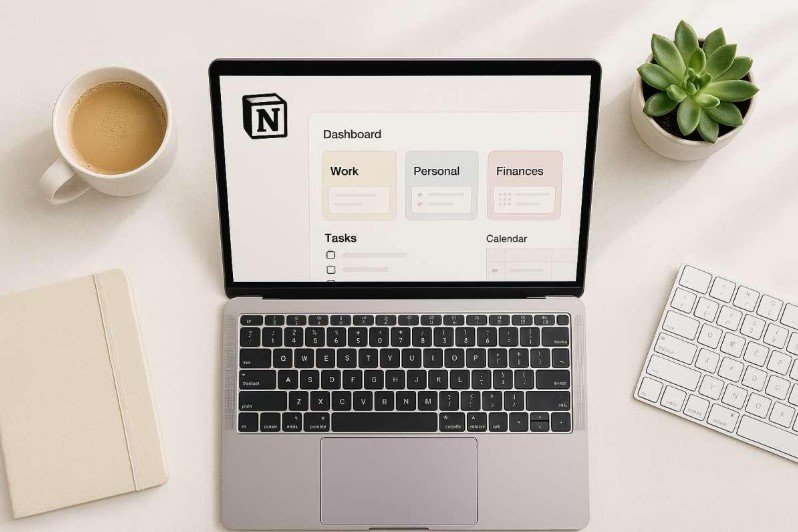
8. Notion AI — Best for Organising Knowledge and Operations
Notion is where many small teams keep their notes, client files, SOPs, and wikis. Its built-in AI can summarise long pages, turn meeting notes into tasks, and answer questions from your own workspace (“What did we agree with this client?”). That only works if your information actually lives in Notion — but if it does, it is the fastest way to find it again.
What it does well: Search and summaries across your own documents, plus a workspace that replaces scattered folders and sticky notes.
Honest limitation: It rewards teams that keep things tidy. If your workspace is a mess, the AI will faithfully summarise the mess.
Pricing: AI is included in the Business plan from $20 per user per month. Read our full Notion AI review for a deeper look at what it does well and where it falls short.
A Starter Stack for Under $50 a Month
You do not need all eight tools. Here is a practical starting combination for a solo owner or a team of two:
- ChatGPT (free) or Claude (free) for drafting and research
- Canva Pro (~$13/month) for all visual content
- Zapier (free tier) for your single most repetitive handoff
- Otter.ai (free tier) for meeting notes
Total: around $13 a month. The best AI tools for small business 2026 share one pattern: a free tier good enough to prove the value before you spend anything. Add Grammarly Pro when you are writing customer-facing content every day, and Tidio when website enquiries start slipping through. Upgrade only when a free tier’s limit is costing you time — free tiers cost time instead of money, and that trade is usually worth it at the start.
Mistakes to Avoid With AI Tools
Putting sensitive data into free chatbots. Customer details, financial records, and contracts do not belong in a free consumer AI tool. Use business plans with proper data handling for anything sensitive.
Publishing AI drafts without editing. A large Semrush ranking study found that purely AI-generated pages reached Google’s number one spot just 9% of the time, versus 80% for human-written pages. The winning model in 2026 is human-led and AI-assisted: the tool drafts, a person checks facts, adds real examples, and rewrites in their own voice.
Buying twelve tools at once. Tool sprawl is the small business version of a gym membership — enthusiasm in January, unused subscriptions by March. One tool, one job, one month of real use. Then decide.
Trusting AI output without verification. AI tools can invent statistics, quotes, and sources with total confidence. Check every factual claim before it reaches a customer or a published page.
The Bottom Line
The best AI tools for small business 2026 are not the ones with the longest feature lists. They are the ones that remove a specific, recurring job from your week at a price you can justify. Start with your biggest time sink, test the free tier on real work for two weeks, and only pay when the tool has already earned its keep.
For a wider comparison of the same tools with pricing checked in late 2026, Upwork’s guide to AI tools for small businesses and Cleverly’s 12 best AI tools for small business are both solid second opinions — and Nextiva’s roundup of 12 AI tools is useful if customer communication is your priority.